Orin
AI Companion
•Jul 2026Orin is a voice-enabled AI companion I built as a side project. You can text it or call it, and both modes share the same conversation thread.
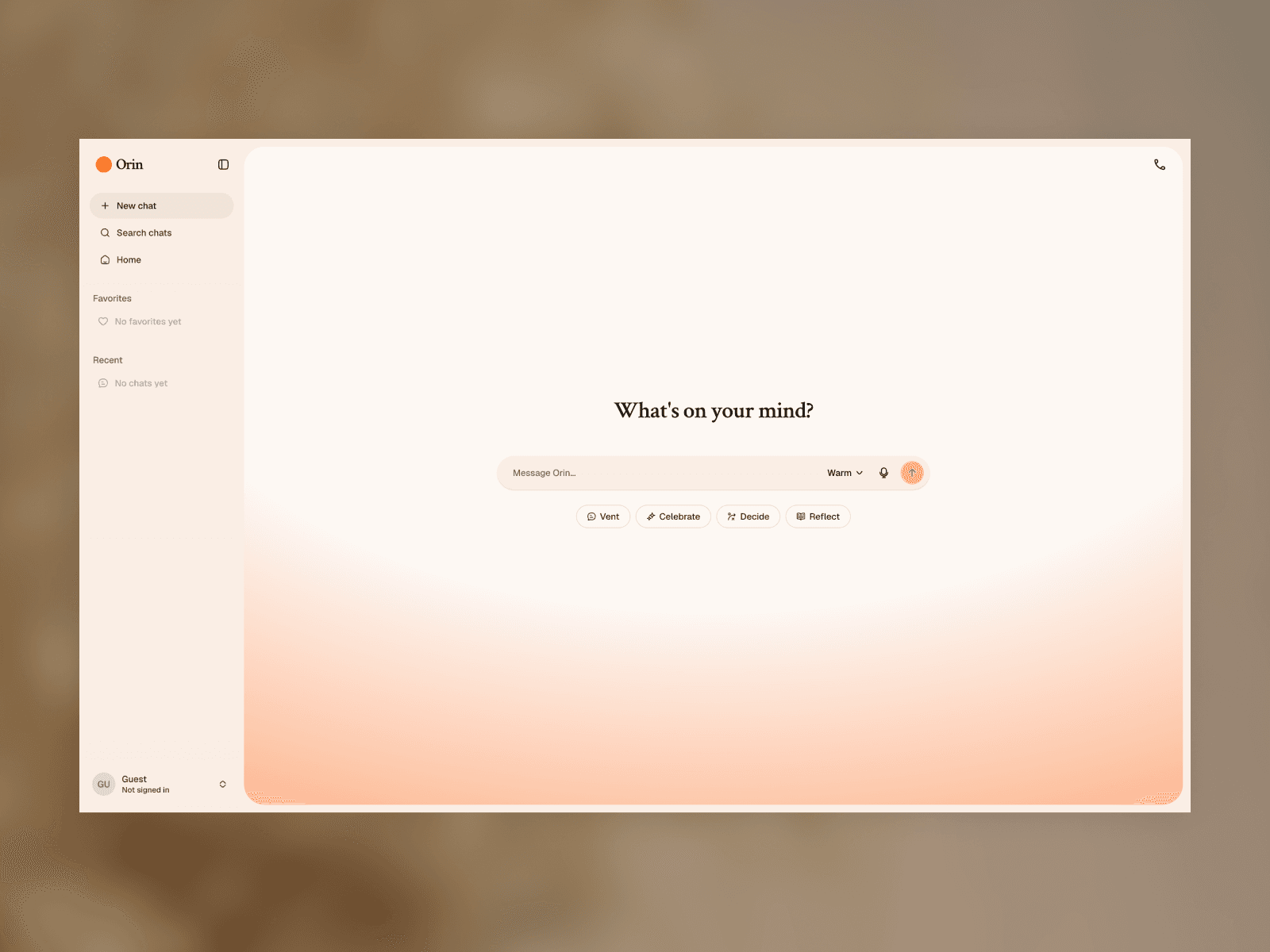
Orin cover image
Orin is meant for conversation. You open a chat, say what's on your mind, and get a streaming reply. If talking out loud is easier, you can start a voice call in the same thread. What you said by text is still there when you hang up. What you said on the call shows up in the chat as it happens.

Orin demo
I designed, built, and shipped the whole thing myself. Frontend, backend, voice pipeline, and the personality system. Most of the implementation was done with Cursor as my editor and pair programmer.
One thread, text or voice
At a product level, Orin is a chat app with a voice call built in. You start from /new, pick a suggestion or type freely, and the conversation streams back in real time.
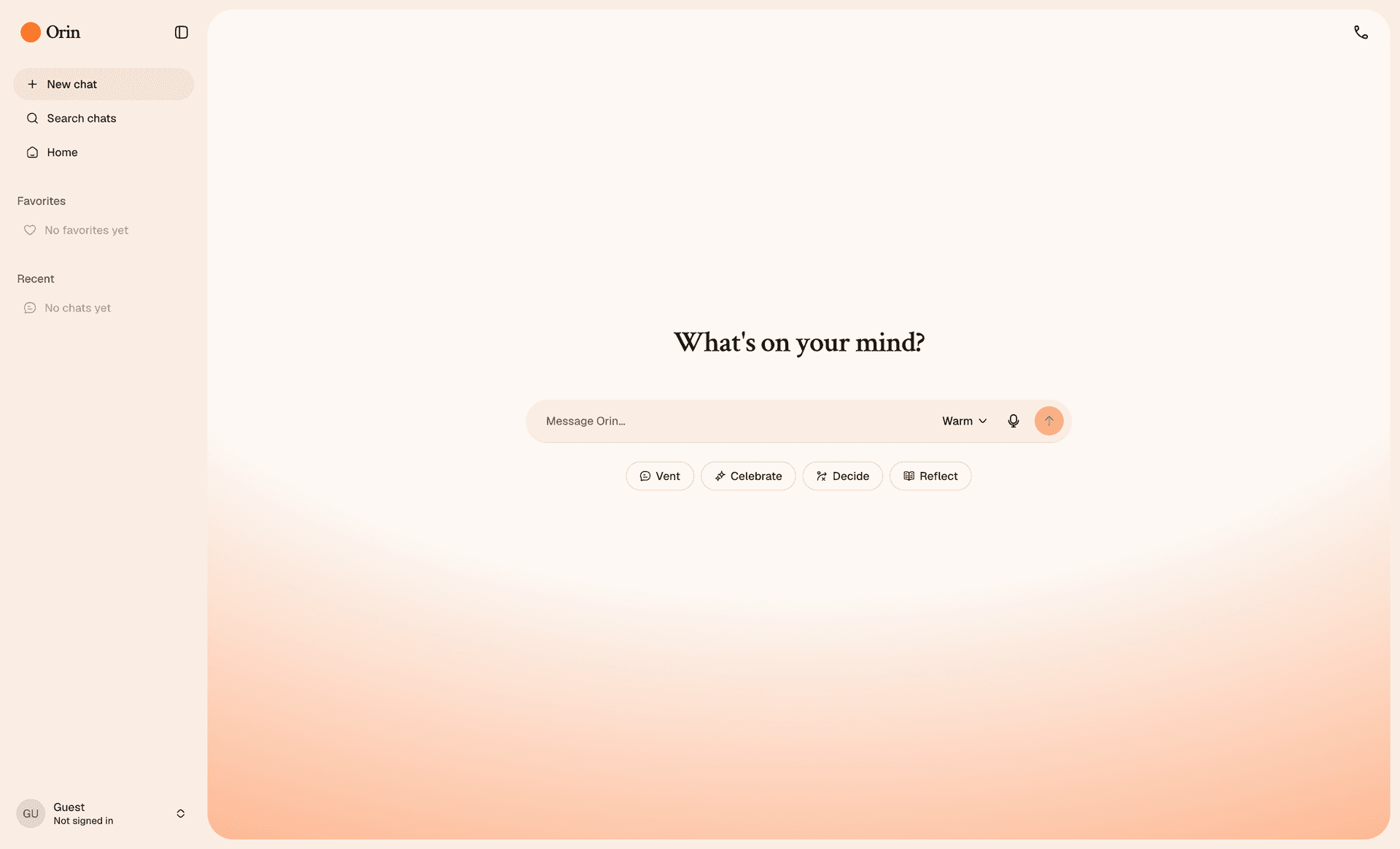
New chat with suggestion chips
Enter to send, Shift+Enter for a new line, Escape to stop a reply mid stream. You can edit your own messages, retry a response, copy text, or use read aloud on individual replies.
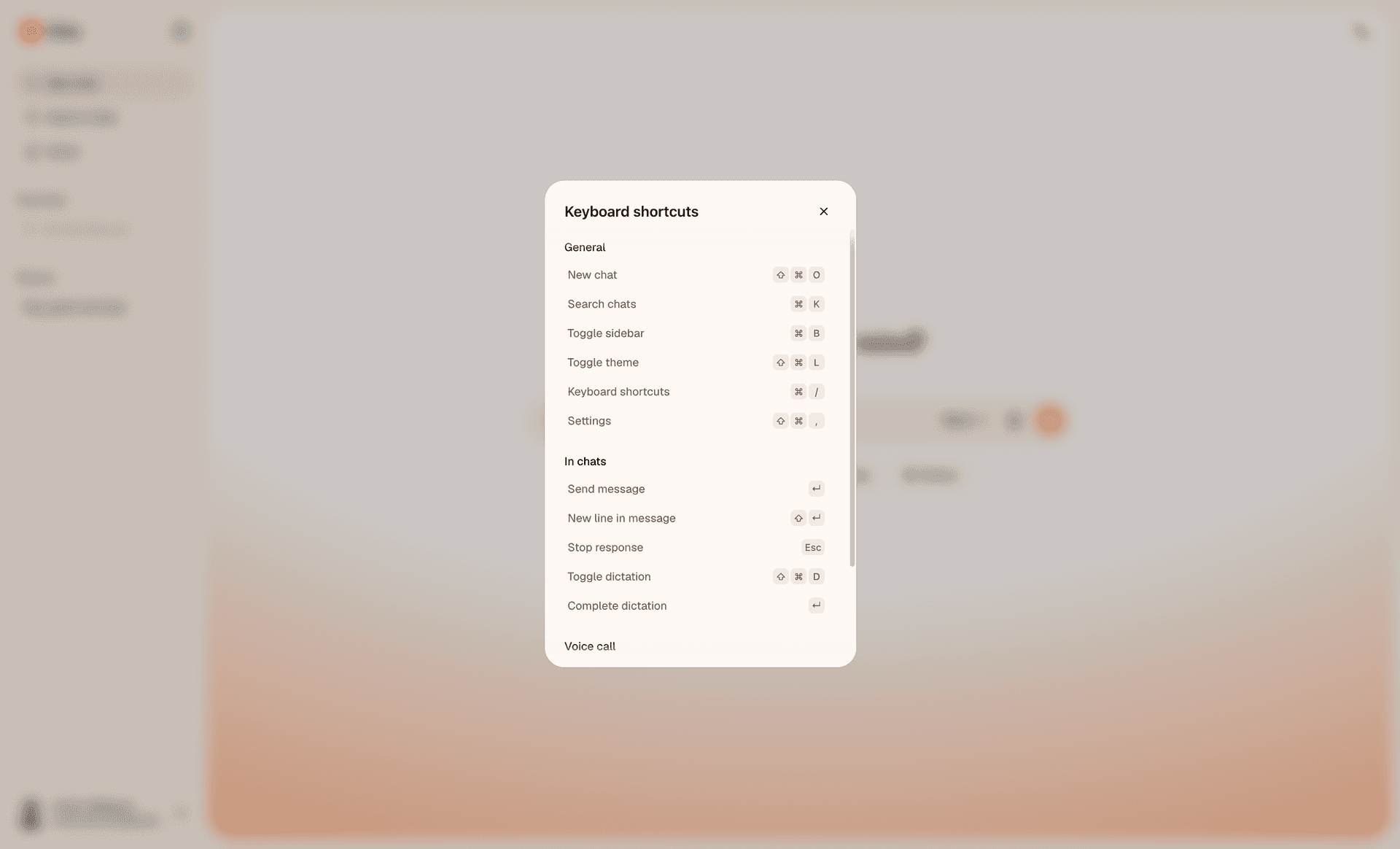
Keyboard shortcuts
Voice is a call overlay on the chat you're already in, not a separate app mode. Tap the voice icon and talk. In inline mode, the transcript appears live in the thread below as you speak.
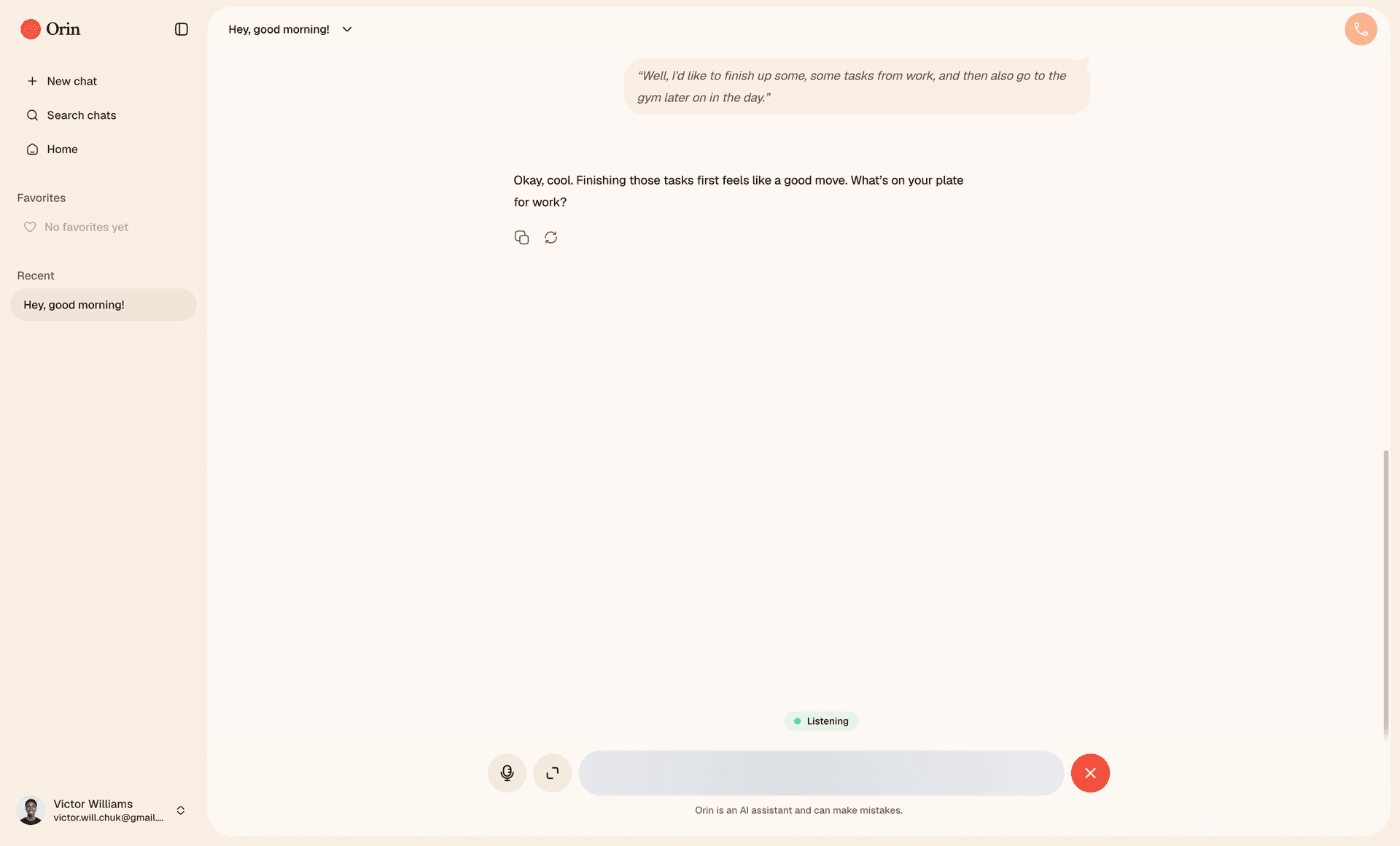
Voice call — inline
Switch to fullscreen and the chat falls away. An opaque overlay with a 3D orb reacts when you or Orin is speaking. No transcript on screen; you're just in the conversation.
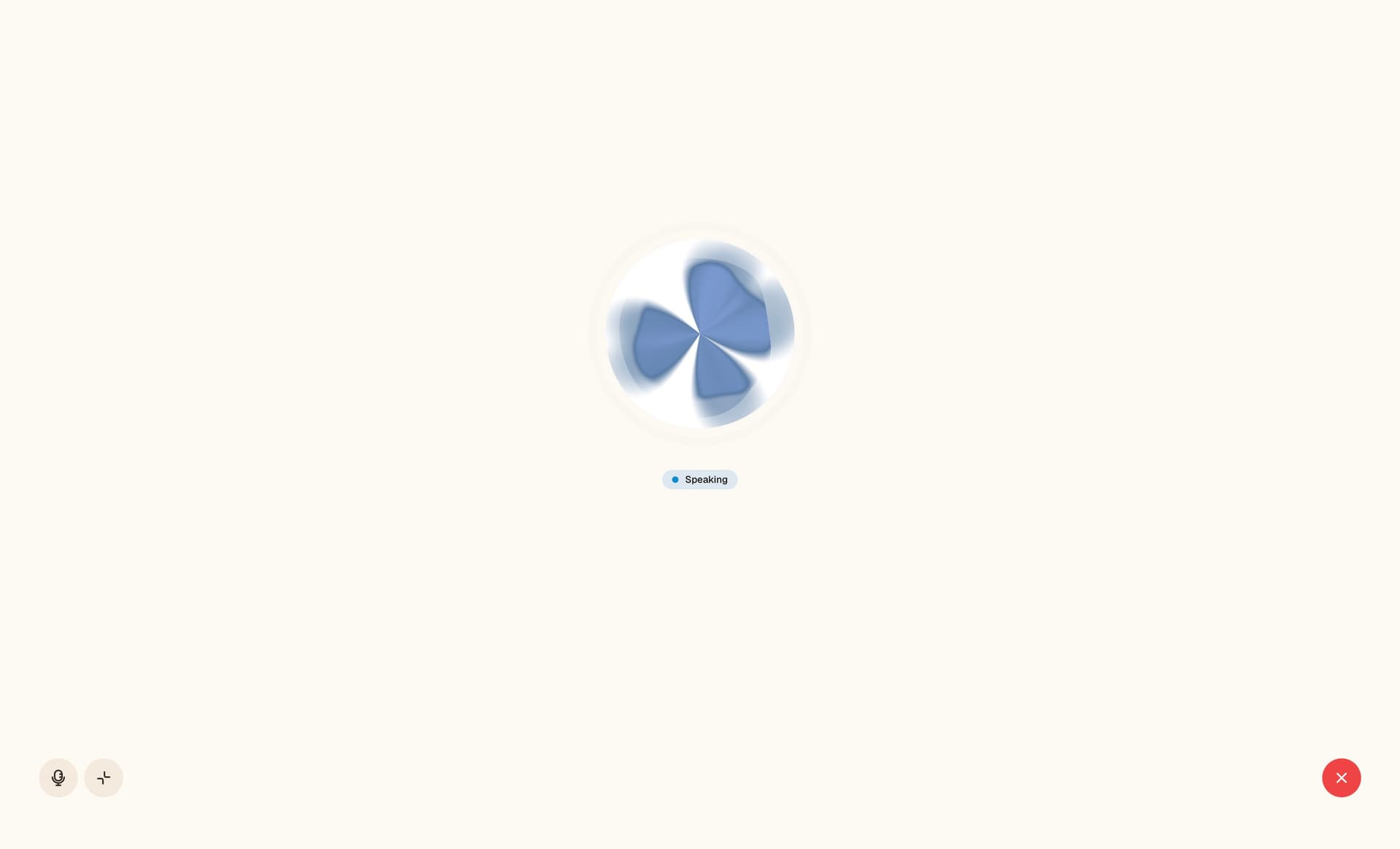
Voice call — fullscreen
Mute, switch between inline and fullscreen, or end the call from either mode. When it's over, the full transcript is already saved in the thread. Voice turns are marked so you can tell them apart from typed messages.
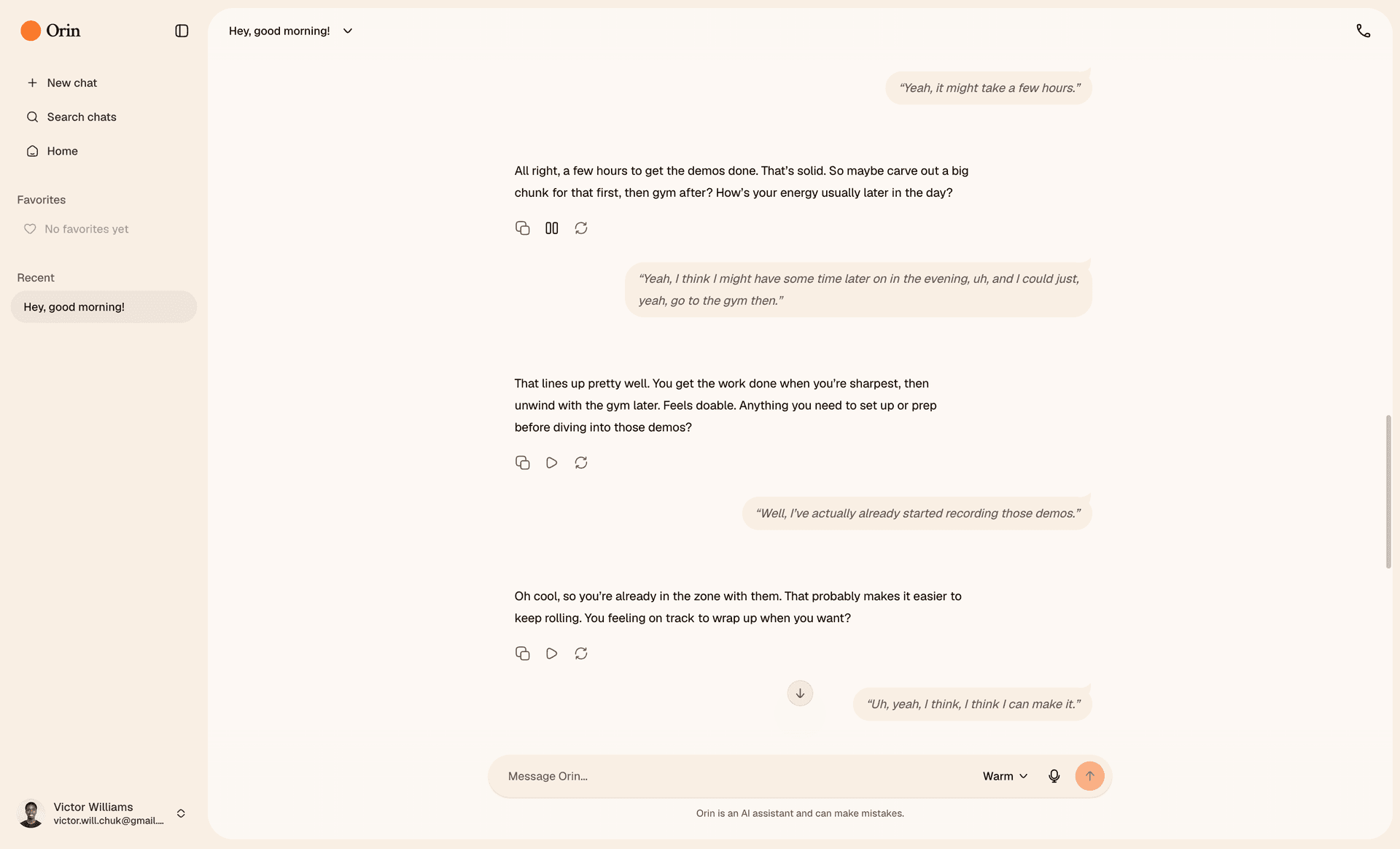
Full conversation thread
You can try Orin without signing in. Anonymous users get a small allowance in the browser. Sign in with Google to save history, sync across devices, and unlock voice calls.
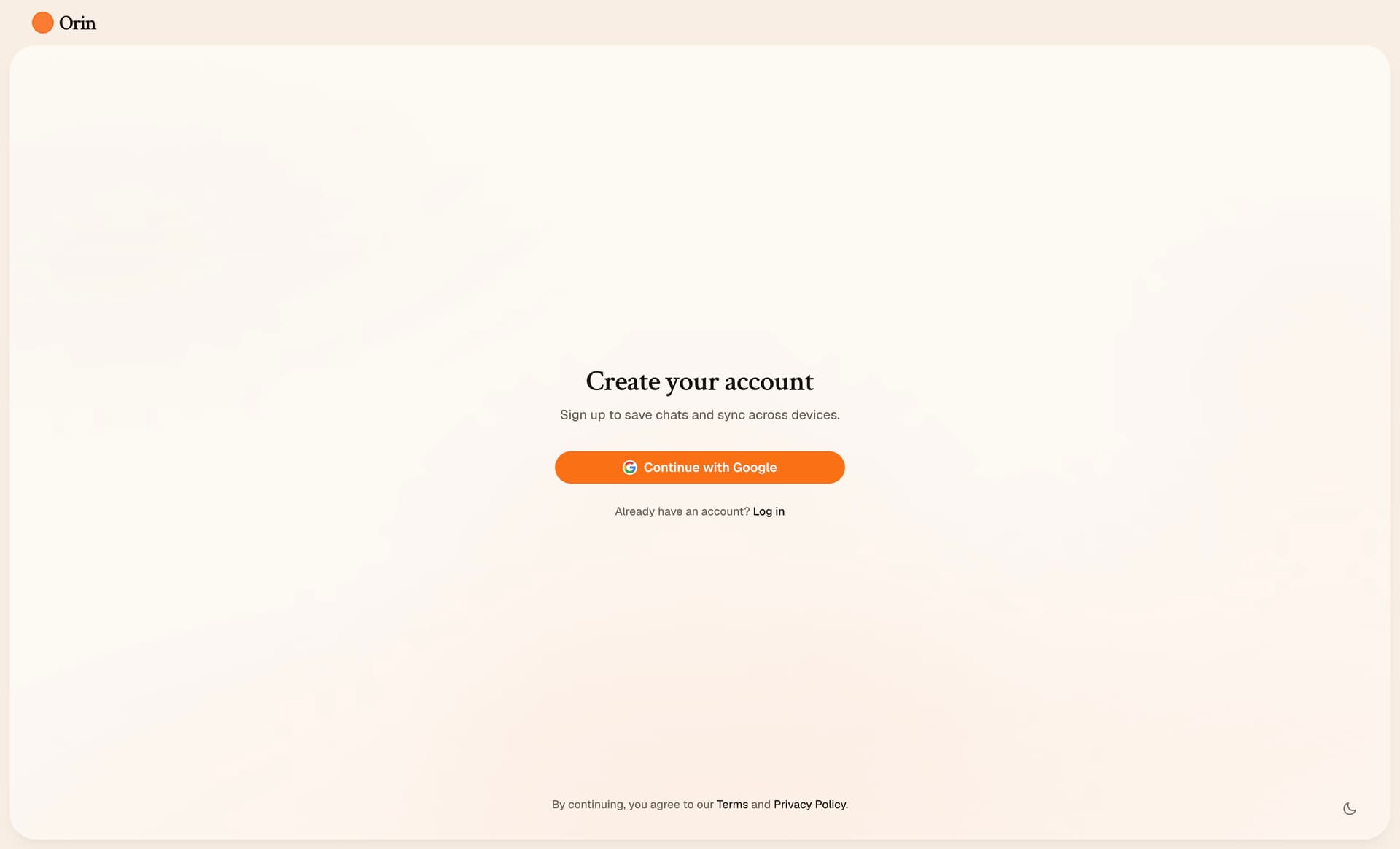
Sign up with Google
After sign in, onboarding walks you through personality, custom instructions, voice, and speaking speed.
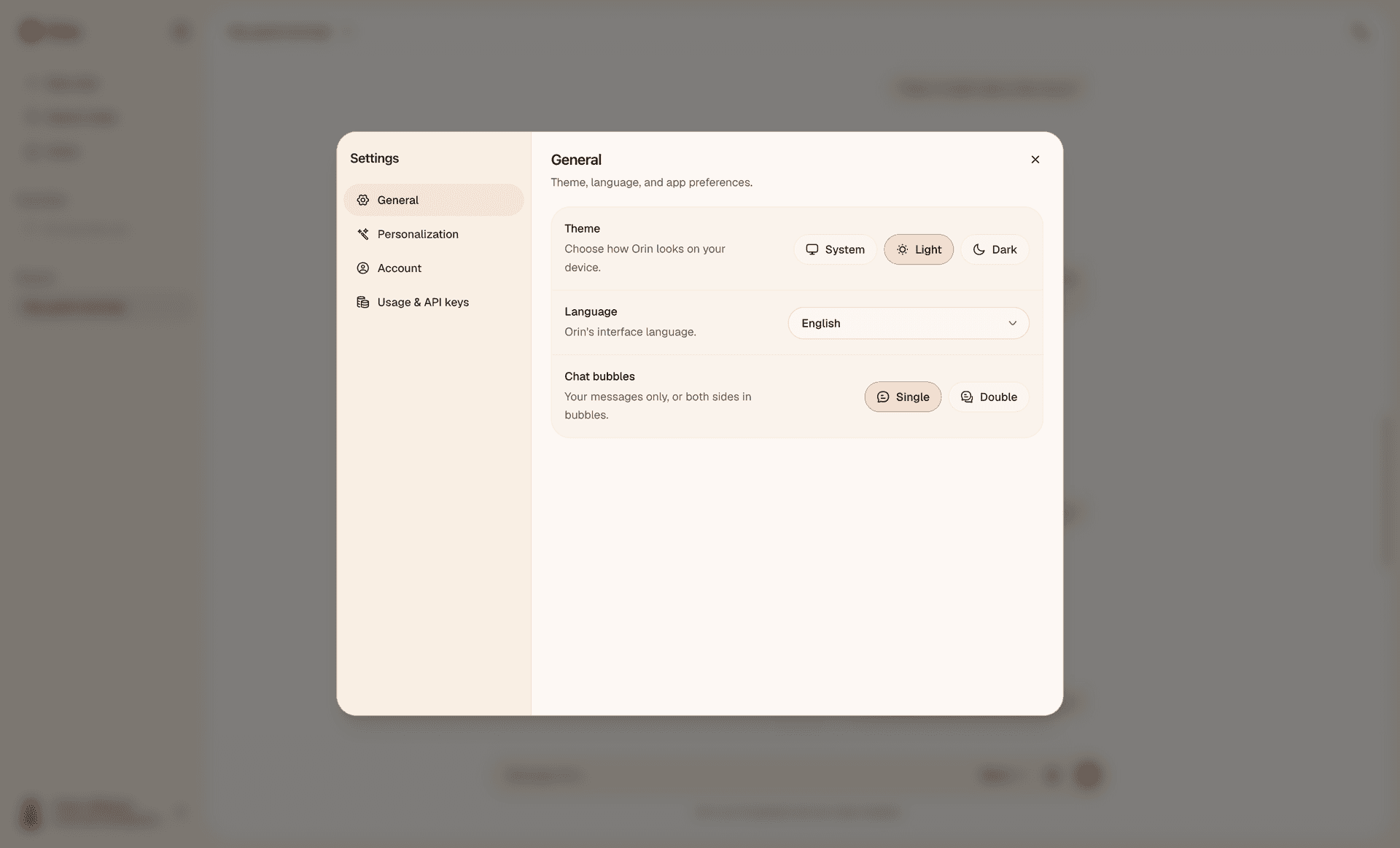
General settings
Everything lives in Settings after that: theme, bubble layout, five personality styles, API key management, data export, account deletion.
There's a free platform allowance backed by my API keys. When it runs out, signed in users can add their own OpenAI and ElevenLabs keys to keep going. No billing flow. I wanted the product to be usable without integrating Stripe for a side project.
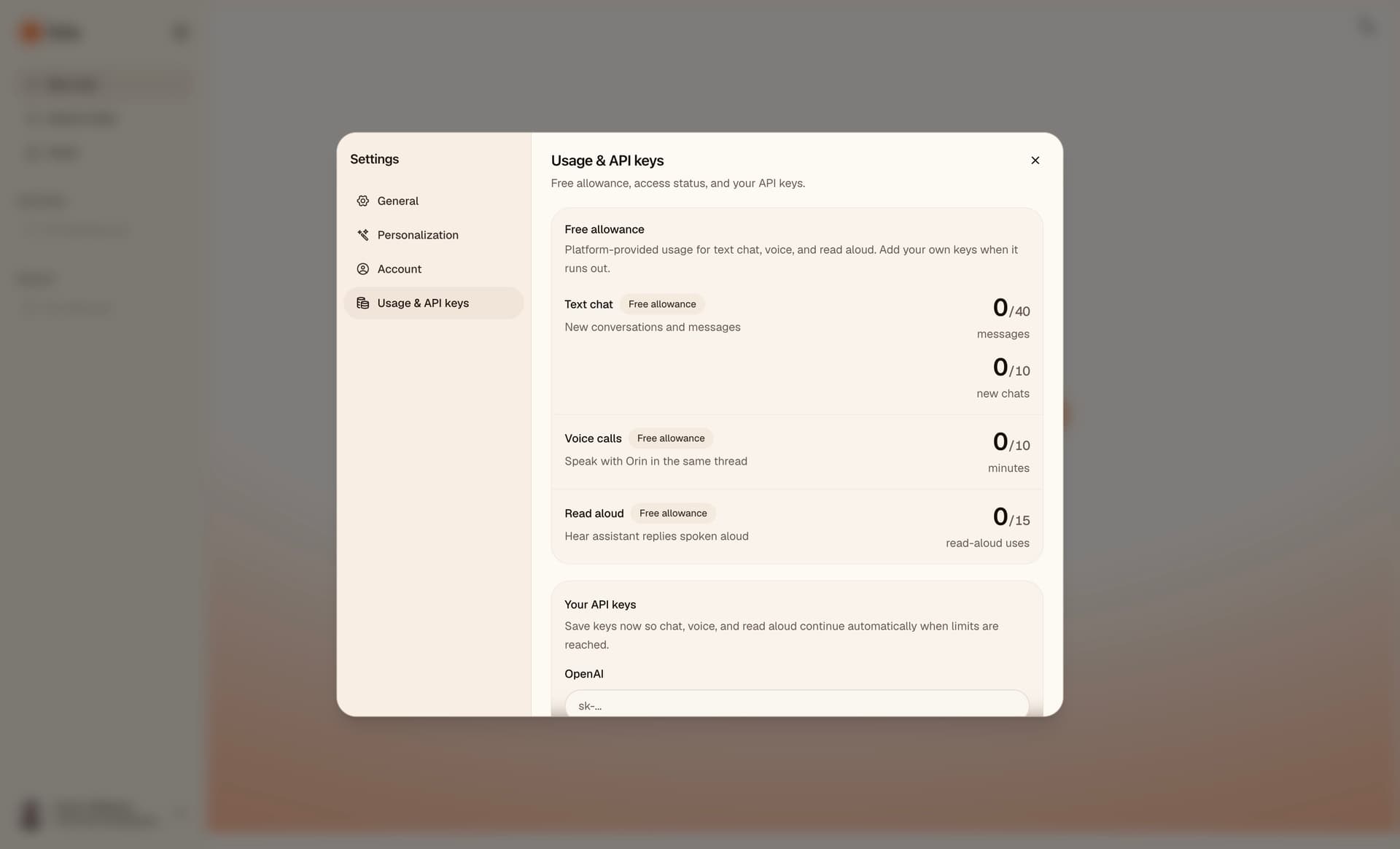
Usage & API keys
ElevenLabs as the starting point
I built Orin because I wanted to explore voice AI, especially what ElevenLabs makes possible with real time speech. The APIs are good and the space is moving fast. I was curious what a product built around that would actually feel like to use.
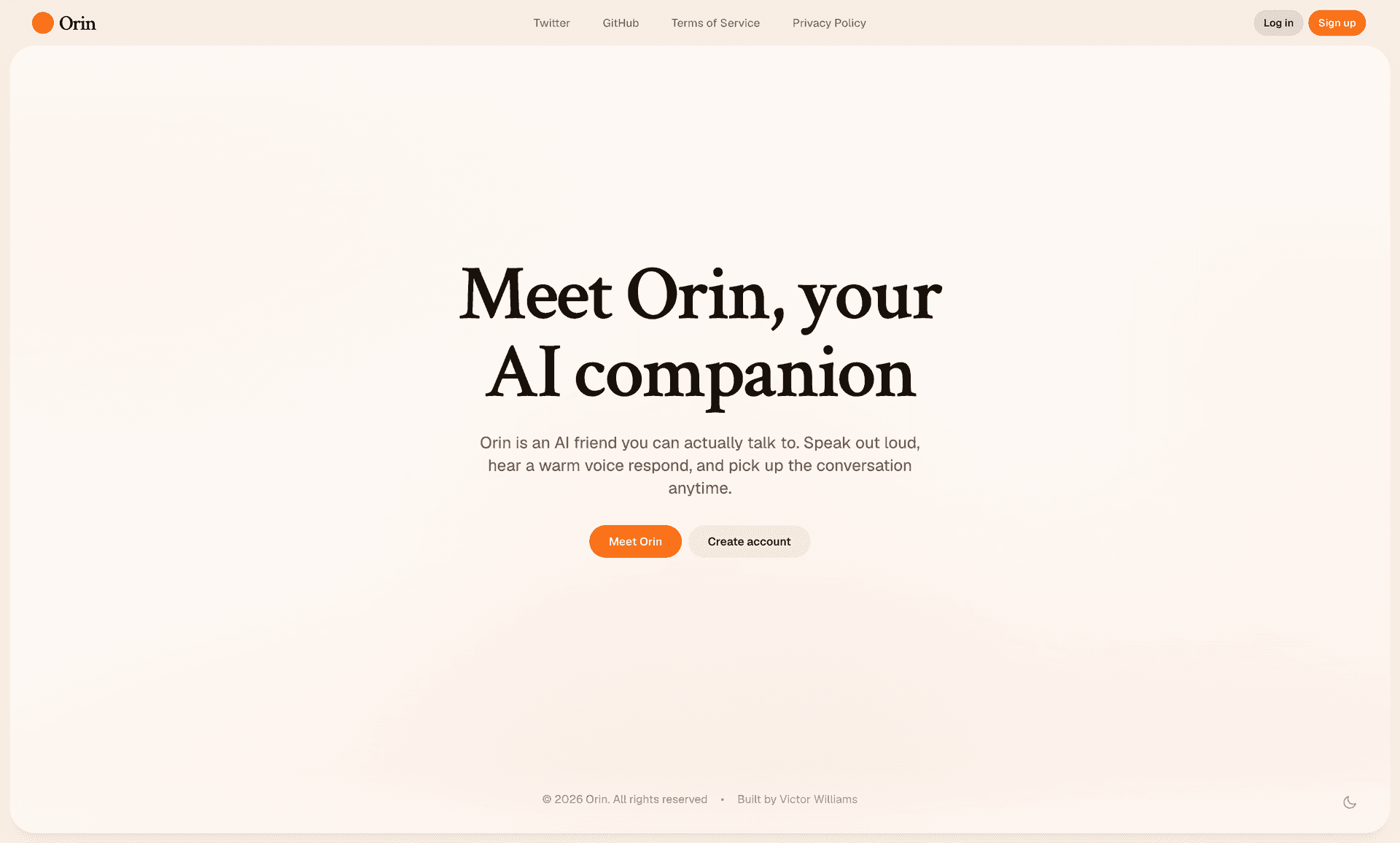
Landing page — light mode
Conversational AI seemed like the most interesting thing to build. I wanted the whole app to revolve around talking and listening. ElevenLabs fit well. Their voices carry real expression, which you notice when someone is speaking back to you in real life.
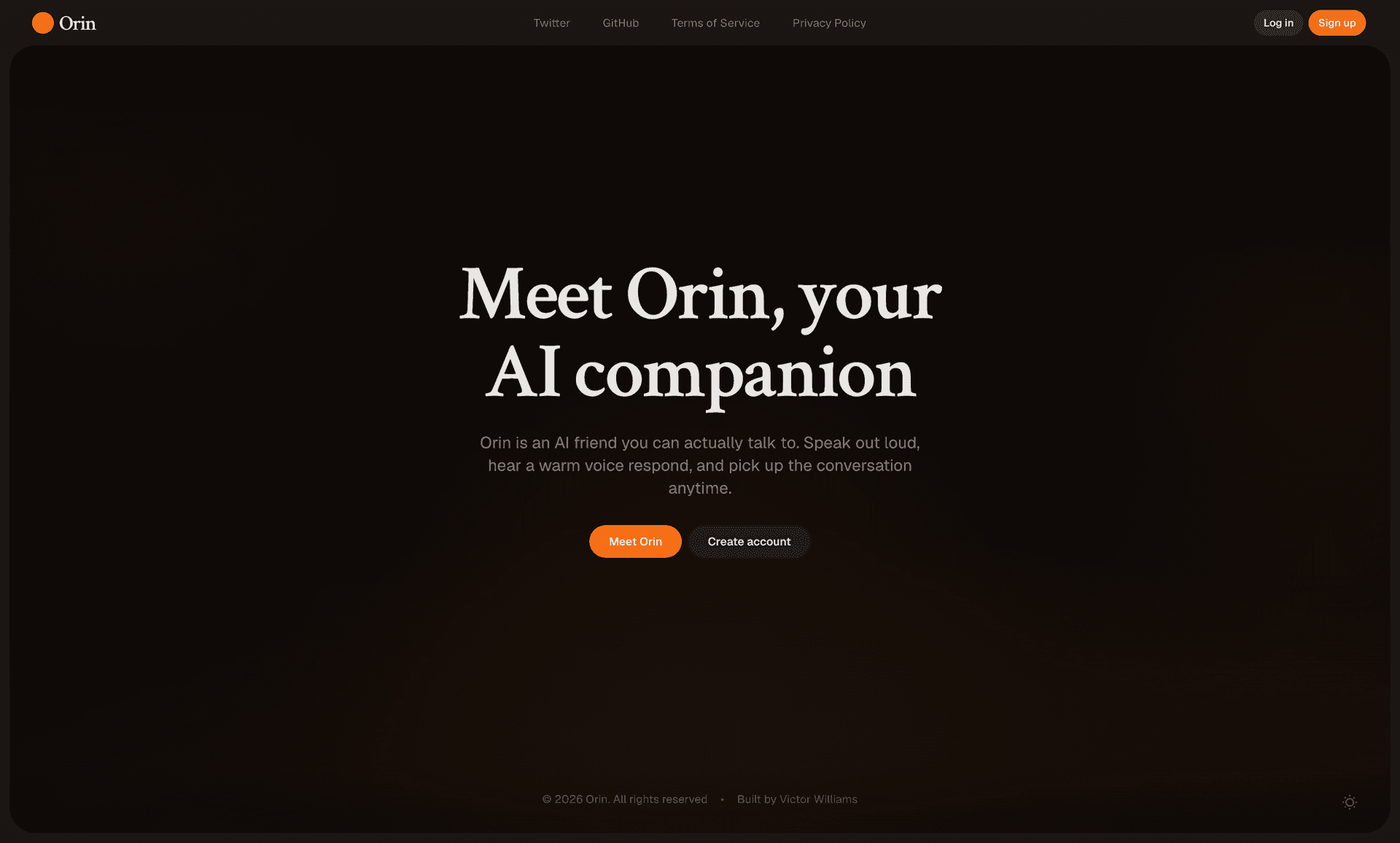
Landing page — dark mode
In the app, I used Scribe v2 Realtime for dictation, Eleven v3 for read aloud, and Eleven v3 Conversational for realtime calls through Speech Engine.
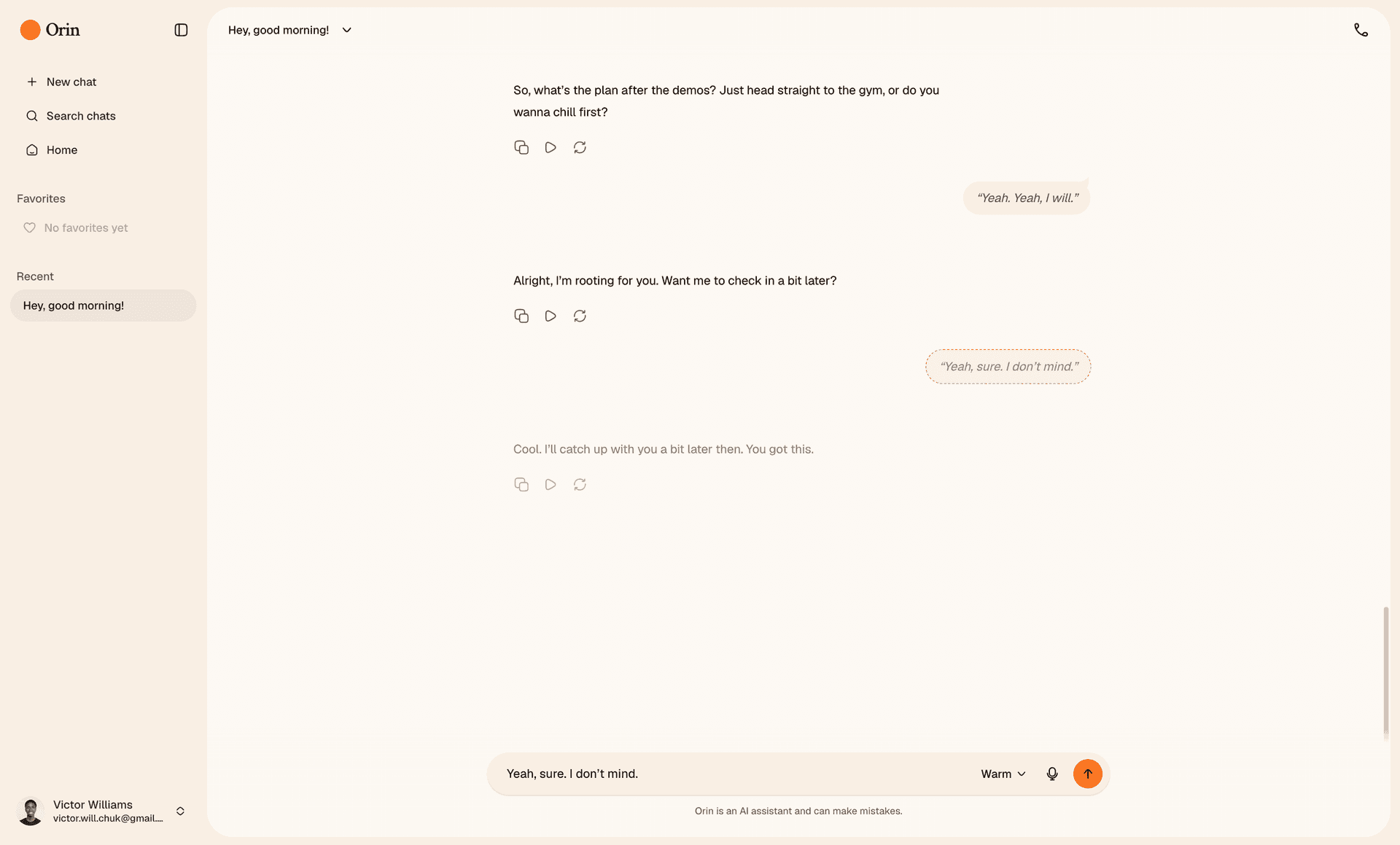
Editing a user message
Phases, stack, and the prompt system
I broke the build into phases and shipped each one before moving on. Foundation and schema first, then text chat with streaming and persistence, then voice calls with a live transcript in the thread, then customization, then auth, quotas, and bring your own keys, then tests around the parts that could break in production. Working in order kept the scope honest.
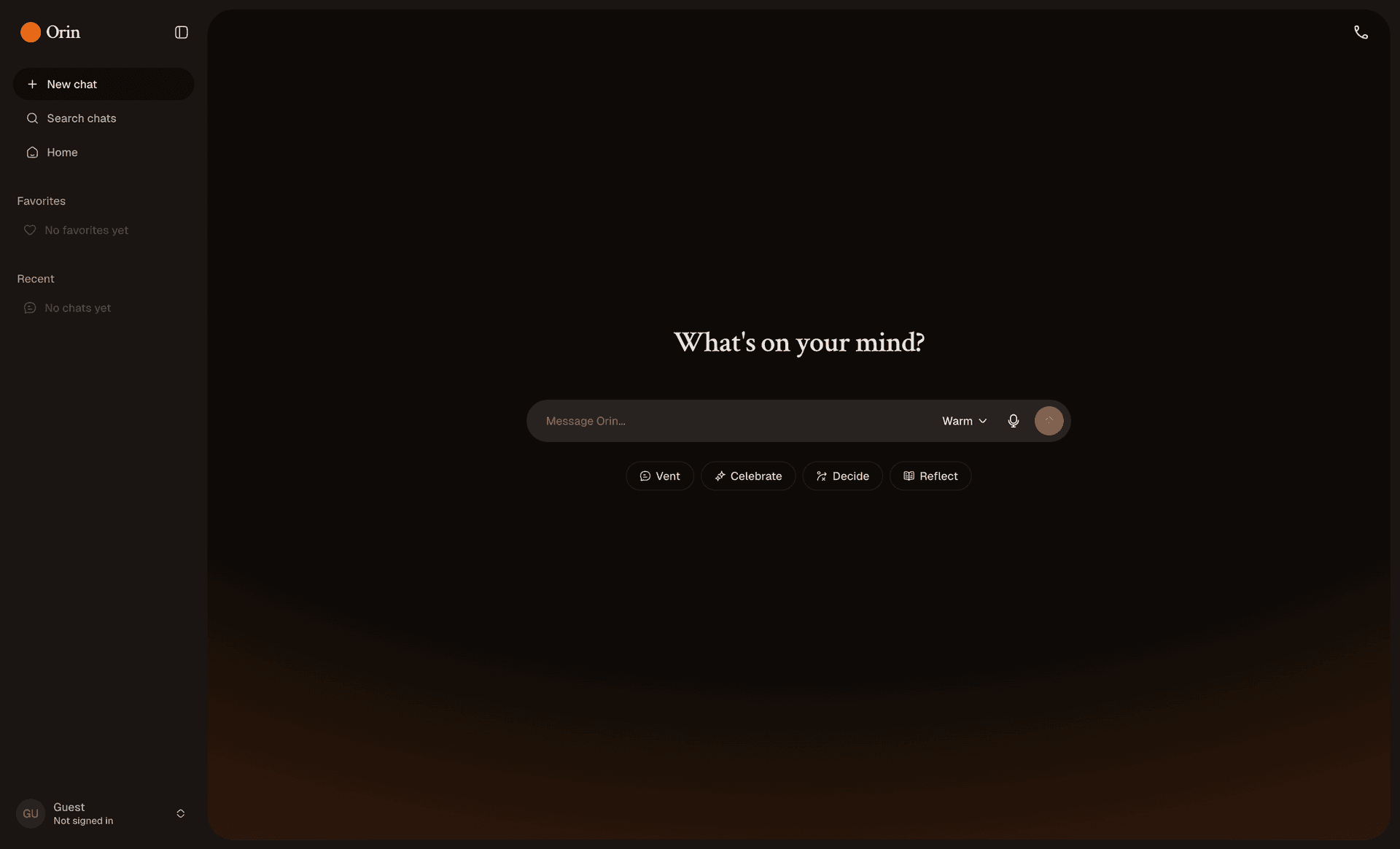
Home screen — dark mode
On the product side I made deliberate cuts early. Conversation only. No agents, no tool use, no file uploads. Text and voice in one thread. A limited free tier instead of payments.
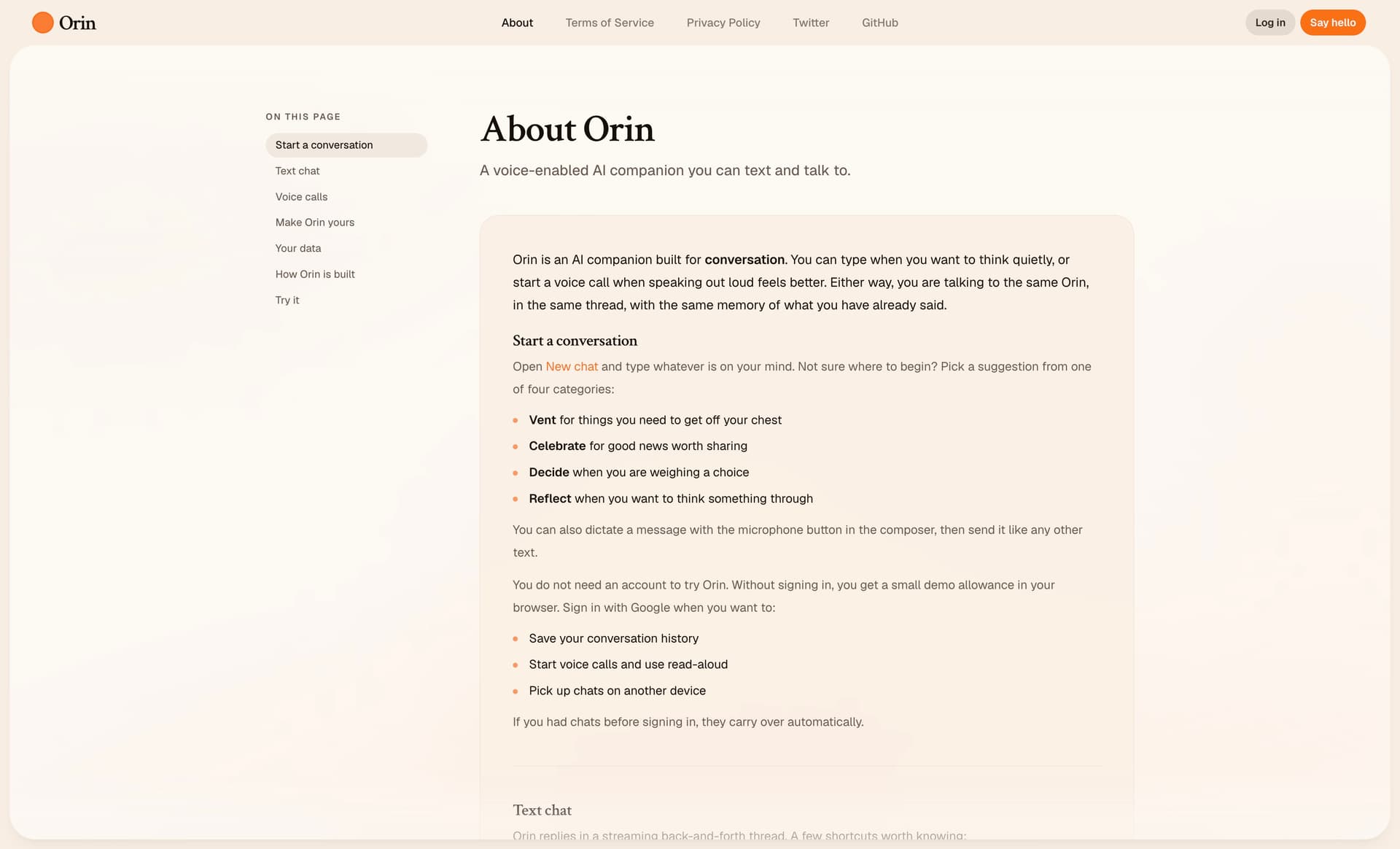
About page
Architecture
The core idea was one brain, two surfaces. I used the Vercel AI SDK for all LLM calls across text and voice. ElevenLabs Speech Engine handled audio in and out over WebRTC, but not the reasoning. I didn't use ElevenLabs' bundled conversational agent because that would have meant two prompt stacks that could drift apart. I deployed the Next.js app on Vercel and ran voice in a Node sidecar in the same repo, because a voice call needs a WebSocket that stays open. Serverless functions weren't a fit for that. Locally I run the sidecar with ngrok to expose the WebSocket; in production I deployed it on Railway. The sidecar imports the same lib/ai modules as /api/chat, so there's one code path for generation. They coordinate through Supabase.
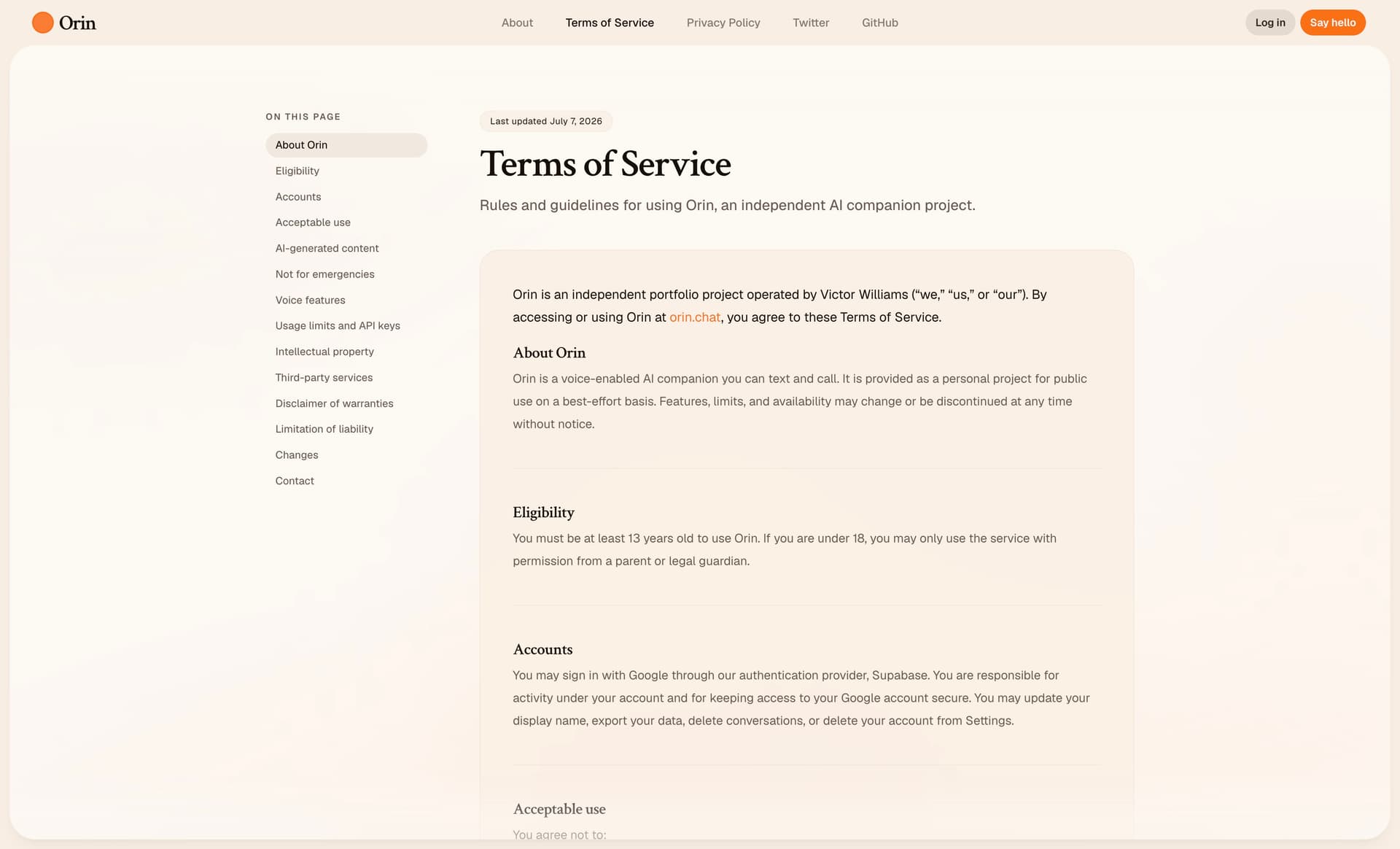
Terms of Service
Stack
Next.js and the App Router for the web app and API routes. Supabase for Google auth, Postgres, row level security, and Realtime during calls. Nexus UI for the chat thread, composer, and message primitives. shadcn/ui for settings and the rest of the app shell. OpenAI through the AI SDK for text responses. ElevenLabs for Speech Engine, Scribe dictation in the composer, and read aloud. Vitest for quotas, key encryption, auth redirects, and message sanitization.
Design and frontend
I handled the visual design, layout, and interaction details myself. The call overlay, streaming message states, sidebar history, favorites, title editing. I cared about how transitions felt when opening panels, or sending a message, or during a call and how the thread stayed readable when voice and text were mixed. Small things, but they matter a lot.
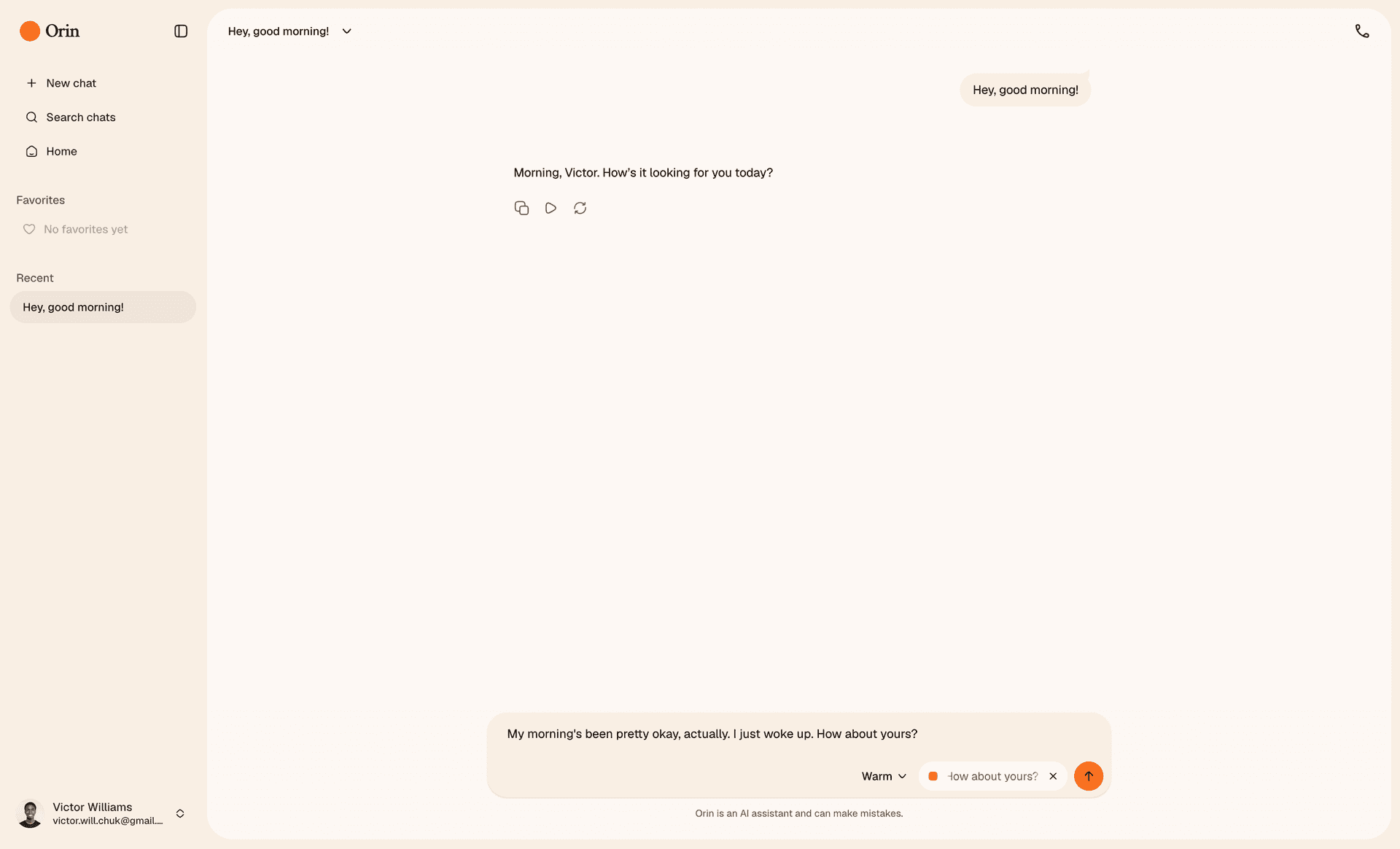
Dictating a message
The search modal, settings, and recent chats in the sidebar were the other components I cared much about. They needed to feel as lightweight as the thread itself.
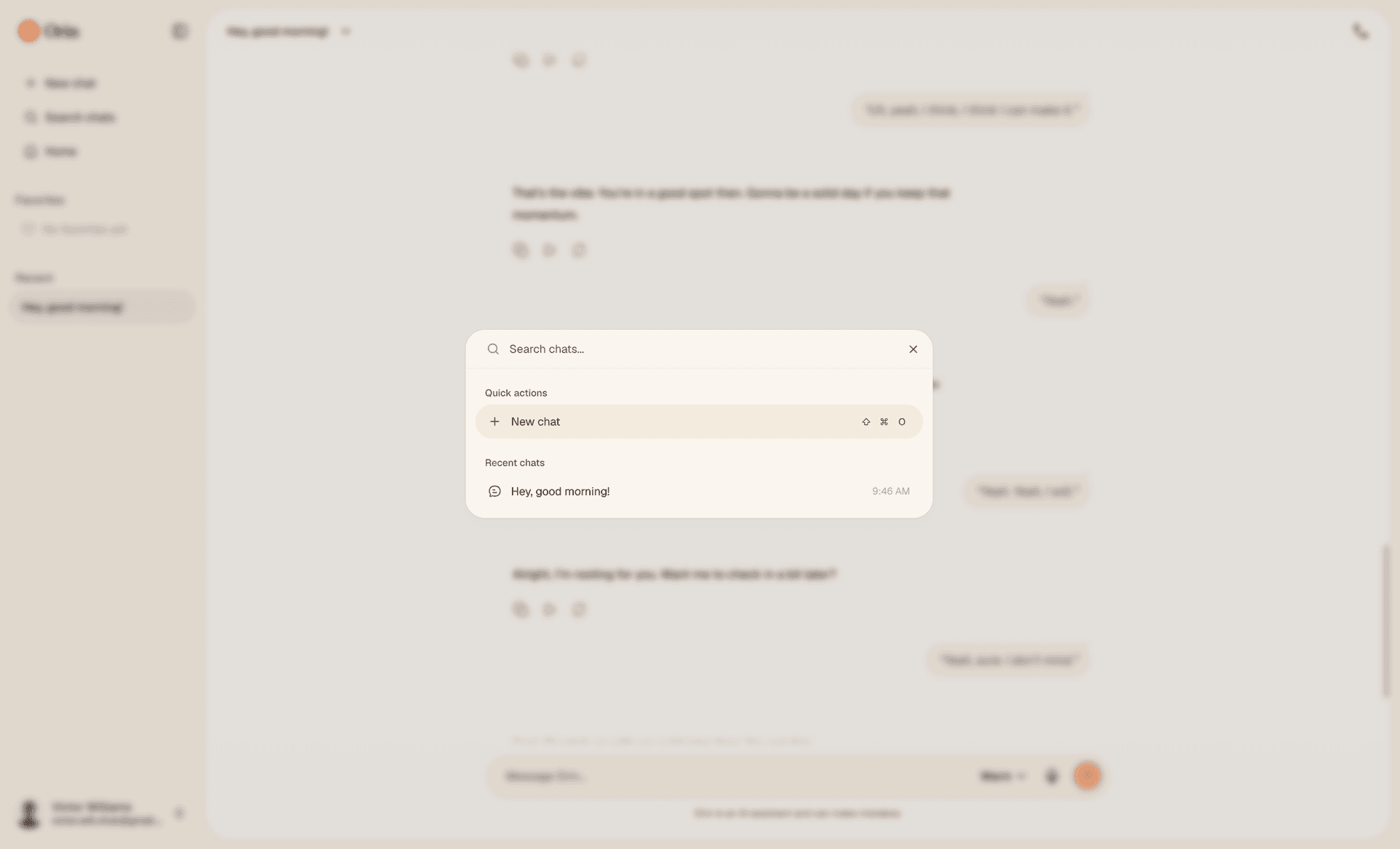
Search chats
Cursor
I used Cursor throughout for speeding up implementation. Scaffolding API routes, wiring Supabase, iterating on the voice handler, refactoring shared AI modules. It was especially useful on the sidecar setup and the glue between ElevenLabs session metadata and conversation IDs. I still made all the architectural calls. Cursor helped me move through the code faster.
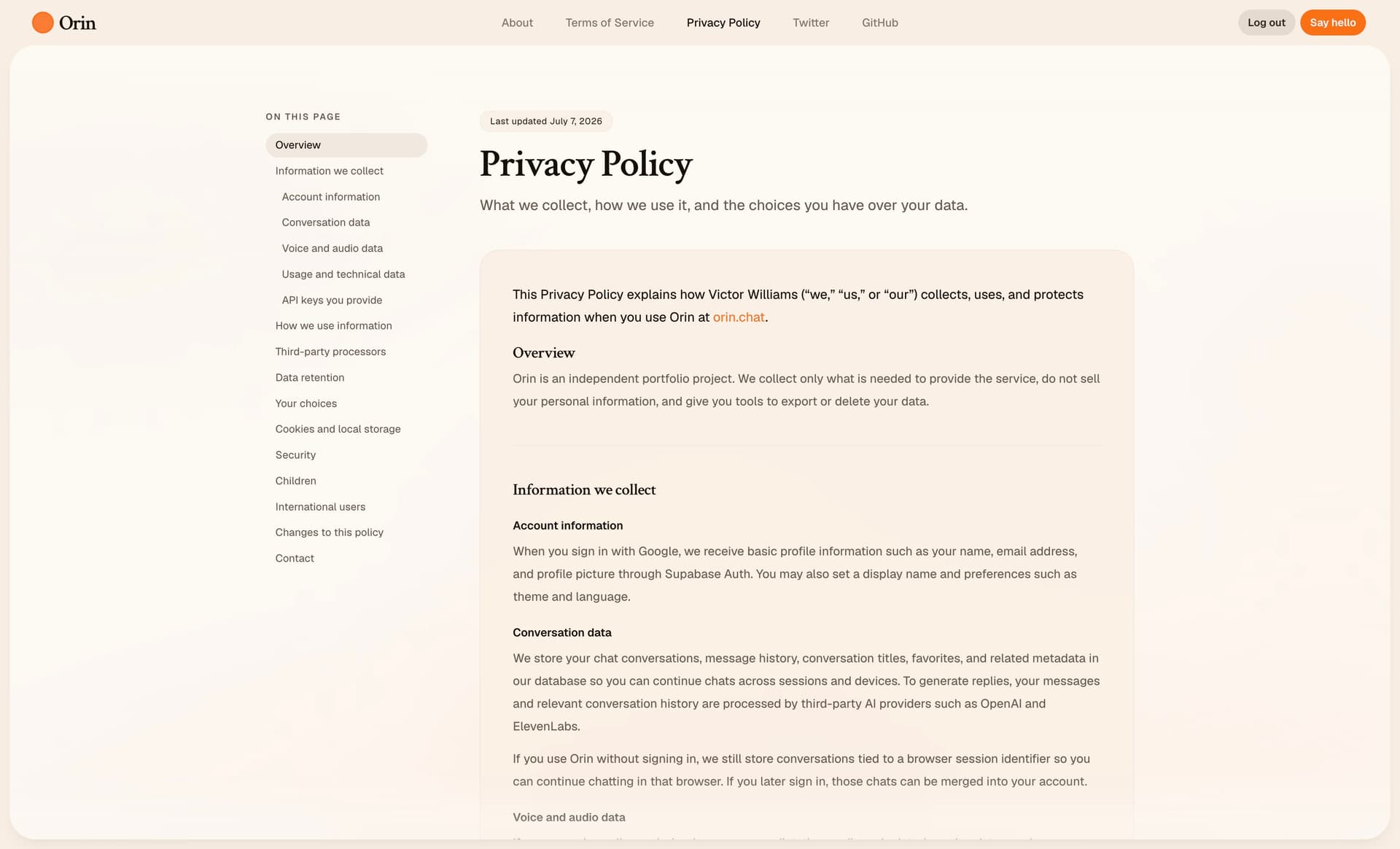
Privacy Policy
Prompt engineering
Getting consistent personality across text and call was mostly a prompting problem, instead of a model problem. This was the most important problem I had to solve. I didnt want Orin sounding robotic or like a generic chatbot.
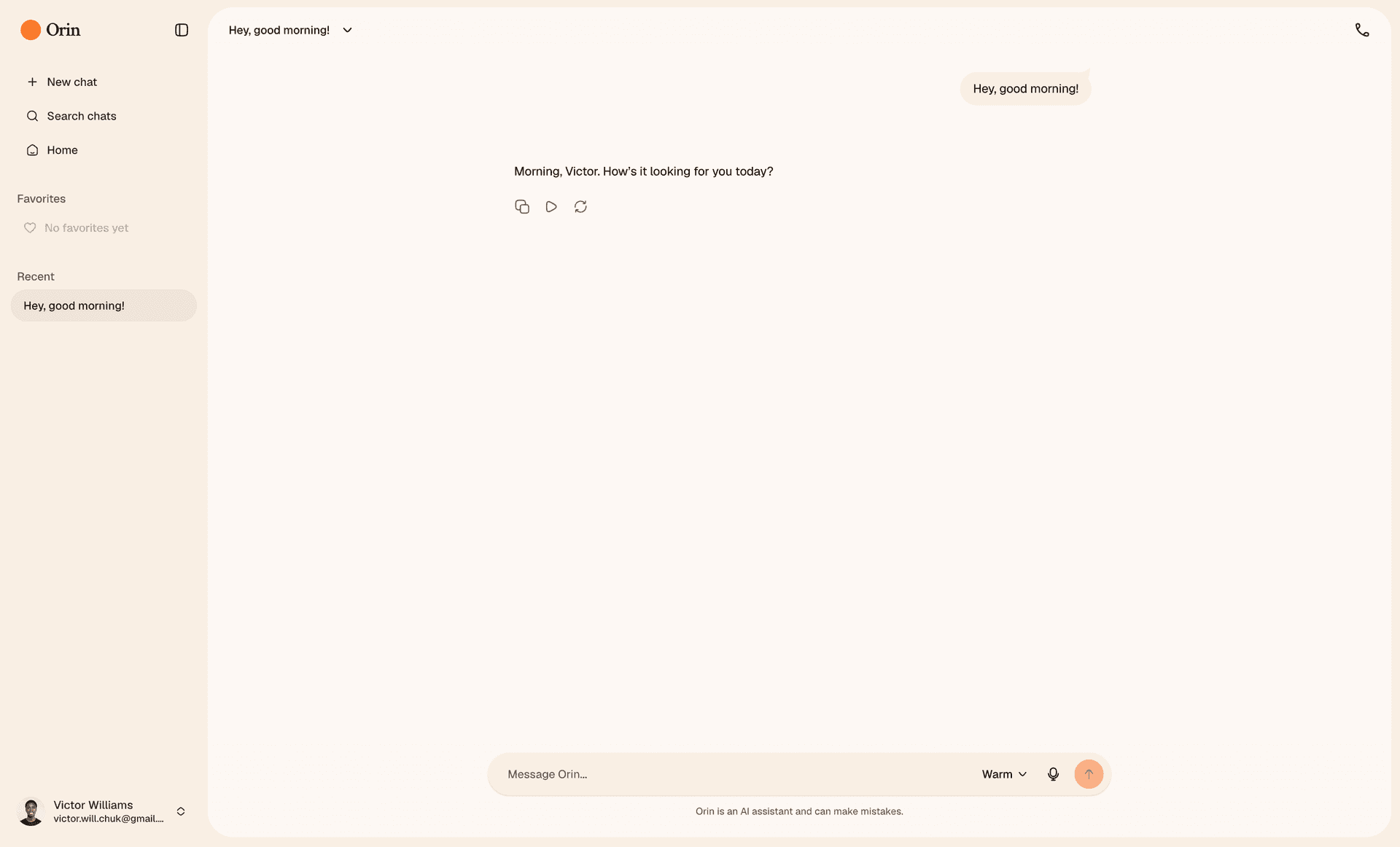
Warm personality in text chat
Initially I tried by writing short system prompts for each personality. But there was an issue. It takes more than just telling a model to sound natural for it to actually sound natural. I did some research and found that the best way to get a model to sound natural is to be very detailed and give it a lot of examples of how people actually speak. Eventually I was able to get to a point where the responses matched the personalities and were concistent even after many turns.
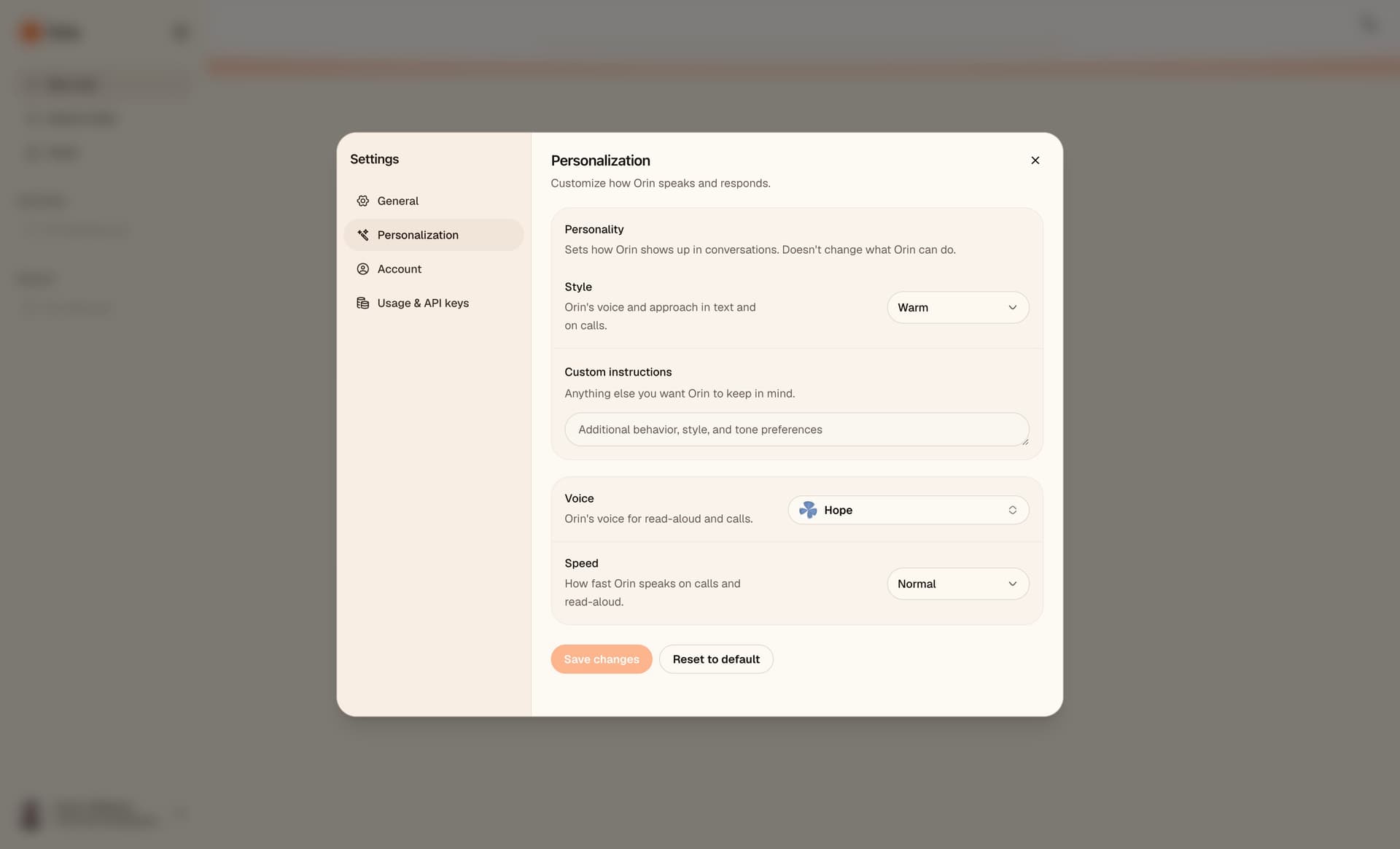
Personalization settings
Each personality (Warm, Curious, Playful, Calm, Direct) is a markdown document describing how Orin should respond: pacing, how much it explains, when it asks questions, how it handles disagreement. A shared core doc set baseline identity and guardrails. At runtime I assembled the system prompt in layers: core, personality doc, runtime context (user name, custom instructions, mode), and a voice specific addendum on calls. The same assembly ran in /api/chat and in the voice sidecar, so text and voice read from the same source.
What's next
Orin does what I set out to build, so I'm leaving it alone for now. I'll fix bugs when they show up and add things when something feels worth doing.
I enjoyed this project. I learned a lot about voice models, prompting, running a backend that handles both text and realtime audio, and making product decisions on my own.
Orin is live at orin.chat. The source is on GitHub under MIT. I'd love for you to try it out and let me know what you think. Once you've exhausted your credits you can add your own OpenAI and ElevenLabs keys to keep going.
Keep building!