How I built a Next.js MDX table of contents
8 min read
•Nov 2025I tested a number of different table of contents solutions before finding one that actually worked well with Turbopack. The winner was @stefanprobst/rehype-extract-toc, which generates TOCs at build time with zero client JavaScript.
The official documentation helped with the basics, but it didn't cover Next.js 16's app router or address the Turbopack serialization issues I ran into. This guide walks through my complete setup so you can skip the trial and error.
Install the Tooling
Everything hinges on @next/mdx and the rehype plugins, so install them alongside your existing Next.js deps:
…If you rely on TypeScript, the default @types/mdx package you likely already have remains compatible—no extra typings needed beyond the custom declaration you’ll add in Step 2.
Context & Constraints
Working with Next.js 16 (app router) and Turbopack locally, I needed server-side TOC generation with no client bundles. Manual anchor lists broke every time I added headings. Remark plugins only output HTML, not structured data for React components.
My stack needed something that exported JSON during the MDX compile step—which led me to @stefanprobst/rehype-extract-toc.
Step 1 — Wire the Rehype Plugins
The MDX pipeline lives inside next.config.mjs. I wrap the config with @next/mdx, feed in the remark/rehype plugins, and keep the rest of the Next config intact. Here’s the full file with only the relevant bits expanded:
…rehype-slugadds predictable IDs on every heading.@stefanprobst/rehype-extract-tocwalks the AST, builds a nested list, and stores it invfile.data.toc.- The
/mdxcompanion injects an automaticexport const tableOfContents = [...]into each MDX file.
Once the build finishes, every page file ships its own outline alongside the default React component.
Avoiding the “non-serializable options” pitfall
Turbopack refuses loader configs that contain actual plugin functions. Passing string module IDs keeps the options JSON-serializable, and the loader resolves them at runtime. It’s a tiny detail, but it saved me from a confusing stack trace.
If you pull plugin functions directly into next.config.mjs, Turbopack will
throw a “loader does not have serializable options” error and halt the dev
server. Strings keep the config deterministic across environments.
Step 2 — Add Type Definitions
TypeScript doesn’t know about the injected tableOfContents, so I added a declaration file at the repo root:
…That keeps the layouts happy when they import the MDX module as a namespace.
Understanding the tableOfContents export
The plugin pair serializes every heading into a JSON tree. Each item includes the rendered text (value), heading level (depth), an optional id generated by rehype-slug, and a children array for nested sections.
…That structure maps directly onto the Toc TypeScript type in @stefanprobst/rehype-extract-toc. The React component simply iterates over the array, renders a link for each node using entry.id, and recurses through entry.children to build nested lists.
Step 3 — Build the TOC Component
The component is server-safe, leans on Tailwind tokens, and skips rendering if no headings exist:
…Each TocItem renders recursively, indenting child headings with a thin border and lighter typography. If a heading somehow lacks an ID, I disable pointer events so broken links don’t confuse readers.
Step 4 — Surface the TOC in Layouts
Each article layout imports the MDX module as a namespace, pulls out tableOfContents, and renders the component above the article body:
…This pattern keeps TOCs automatically synced with content—add a heading in MDX, and it appears in the navigation immediately.
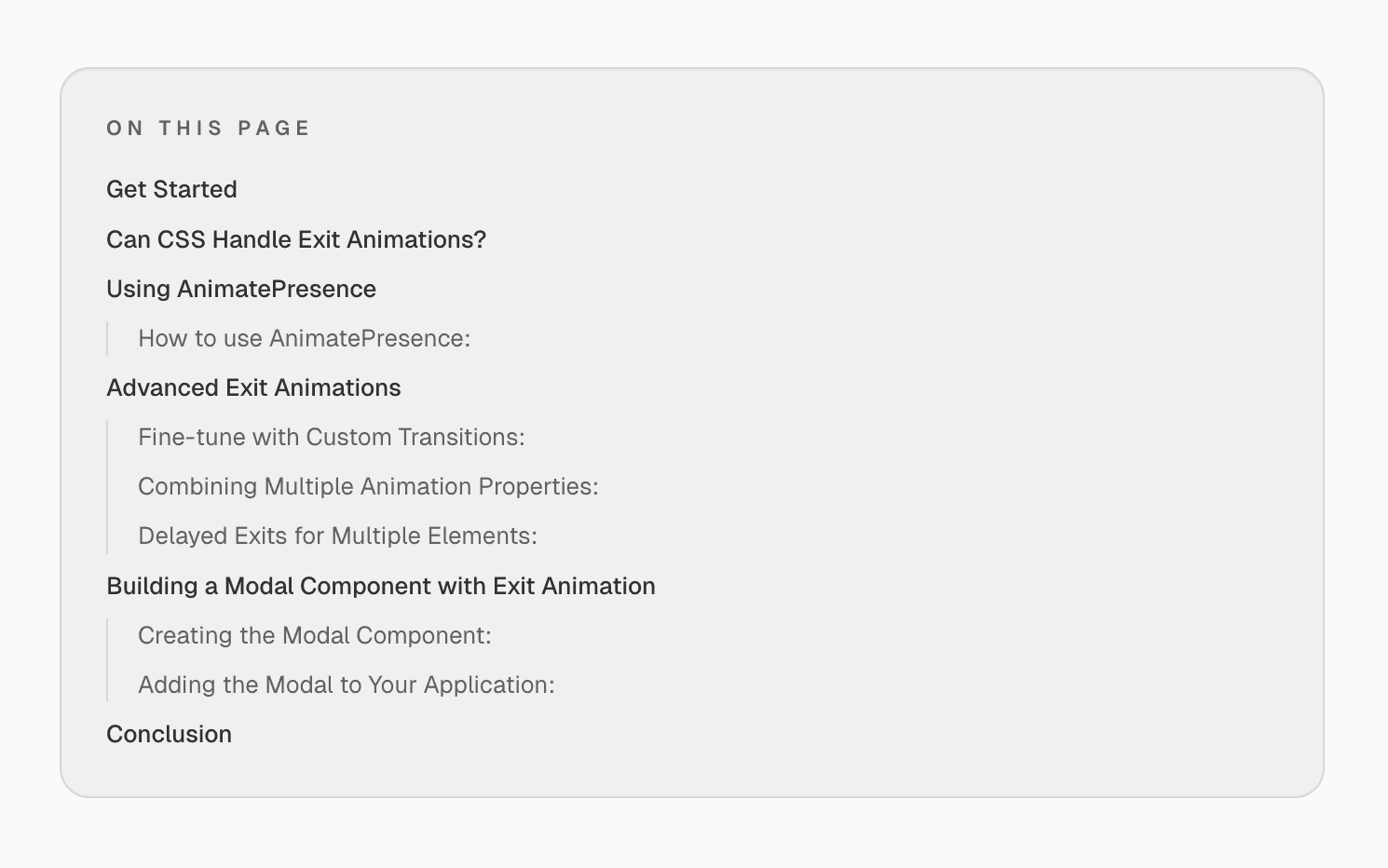
Example TOC block
That’s the entire loop: configure @next/mdx, type the export, render a single component, and drop it into your layouts. The build generates TOCs automatically, the component renders server-side, and your readers can navigate long articles without any client JavaScript overhead.
It’s simple once you see the pieces, but getting there took a few false starts. Hopefully this helps—ship it, stress-test it, and keep building.
I’m already working on a new TOC UI for my site, but this setup still holds.
Use it with any design system; the wiring stays the same.